Sideband Audio
Production utilities

Audio file automation

Signal Batch.

Give a whole session a consistent set of filenames. Review the changes, then export the audio together.
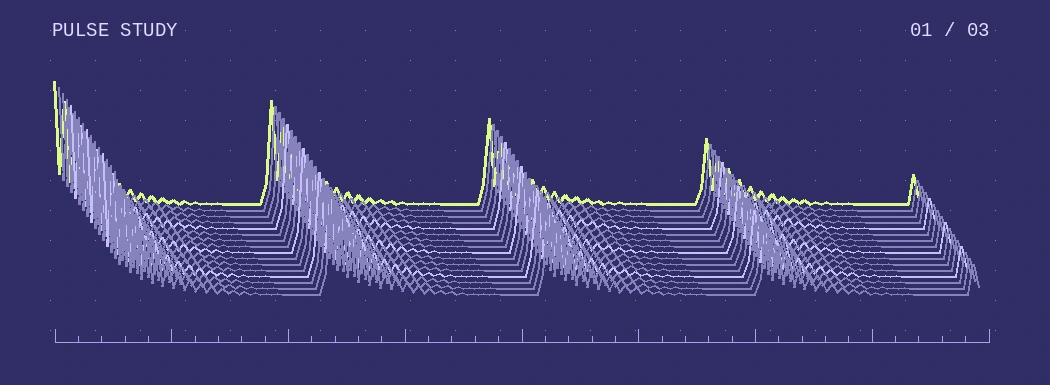
Stacked waveform traces from the included pulse recording

Naming rule

First output—

File queue

Demo session
Source fileOutput name
    Drop audio files hereUp to 100 files · 100 MiB per batch

    Quick guide

    1. Add your audio. The first import replaces the three demo clips. Later imports append in selection order. Use the × beside a file to remove it.
    2. Set the rule. Numbering follows queue order with at least three digits. Spaces and filename punctuation become your chosen separator. The original extension is retained.
    3. Export the ZIP. The archive contains renamed copies of the original audio. Use your browser’s download option to save it.